 Play Now ▶

Everything you need to know about Mii Creator online
- What is Mii Creator?
- Why People Love to Play Mii Creator in 2026
- How to Play Mii Creator Online (Step by Step)
- How to Make Your Mii Actually Look Like You
- Celebrity & Character Mii Creator Ideas
- Mii Creator Pro Tips from the Community
- Mii Creator FAQ
- Play Mii Creator Online Free
What is Mii Creator?
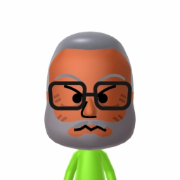
Mii Creatoris a free online character creator inspired by the iconic Nintendo Mii Channel — the one from the Wii that you probably spent hours playing with as a kid. Remember picking a face shape, choosing goofy eyes, trying on different hairstyles, and laughing at the results? That's exactly what Mii Creator is, but running right in your browser.
The difference? You don't need a Wii, a Switch, a 3DS, or even a Nintendo Account to play Mii Creator online. Open this page on your phone, tablet, or computer and start creating. Nothing to download, no sign-up form, no paywalls. It just works.
If you're here because of Tomodachi Life: Living the Dream (the new one that launched in April 2026 and sold 3.8 million copies) or because you just got a Switch 2and noticed the built-in Mii Maker still looks like it's from 2012 — you're in the right place. The community on Reddit and YouTube has been asking for a proper browser-based Mii Creator for years, especially since Nintendo's official Mii Studio requires an account and has limited features.
Why People Love to Play Mii Creator in 2026
If you search "Mii" on TikTok, you'll find the Mii Channel theme song playing in over 1 million videos. On Reddit, there's an entire subreddit (r/MiiTutorials) dedicated to step-by-step Mii Creator guides. A YouTube video reviewing every Mii Creator and Mii Maker ever made hit 108K views, and another one recreating the Mii Creator in Blender got 359K views.
Why do people keep coming back to play Mii Creator? Here's what the community says:
Mii Creator: The Original Digital Avatar
Before Bitmoji, before Memoji — there was Mii. People still say: "I had a Mii of everyone I knew" — family, friends, even teachers. That personal connection is why it still matters.
Play Mii Creator for a Real Challenge
Making a Mii that actually looks like someone is a genuine creative challenge. Reddit threads with hundreds of comments prove it — that's what makes Mii Creator fun and keeps people coming back.
Mii Creator Characters Are Everywhere
Tomodachi Life: Living the Dream (2026), Miitopia on Switch, Mario Kart, Smash Bros — Miis appear in major Nintendo titles. People need an online Mii Creator more than ever.
Mii Creator Is a Creative Outlet for All Ages
No gaming skill required. No time pressure. Just you, your imagination, and a bunch of facial features to mix and match. It's digital arts and crafts for everyone.
Use Mii Creator for Profile Pictures
Mii-style avatars are trending as profile pictures on Discord, TikTok, and Instagram. Some creators even turn their Miis into streaming avatars (the "Miituber" trend on YouTube).
Play Mii Creator for the Nostalgia
The Wii turns 20 in 2026. The Mii Channel music alone drives millions of views across remixes. When you play Mii Creator, you're not just making a character — you're reliving a feeling.
How to Play Mii Creator Online (Step by Step)
Ready to play Mii Creator? Scroll up to the game window, click the play button to start, then follow these four steps:
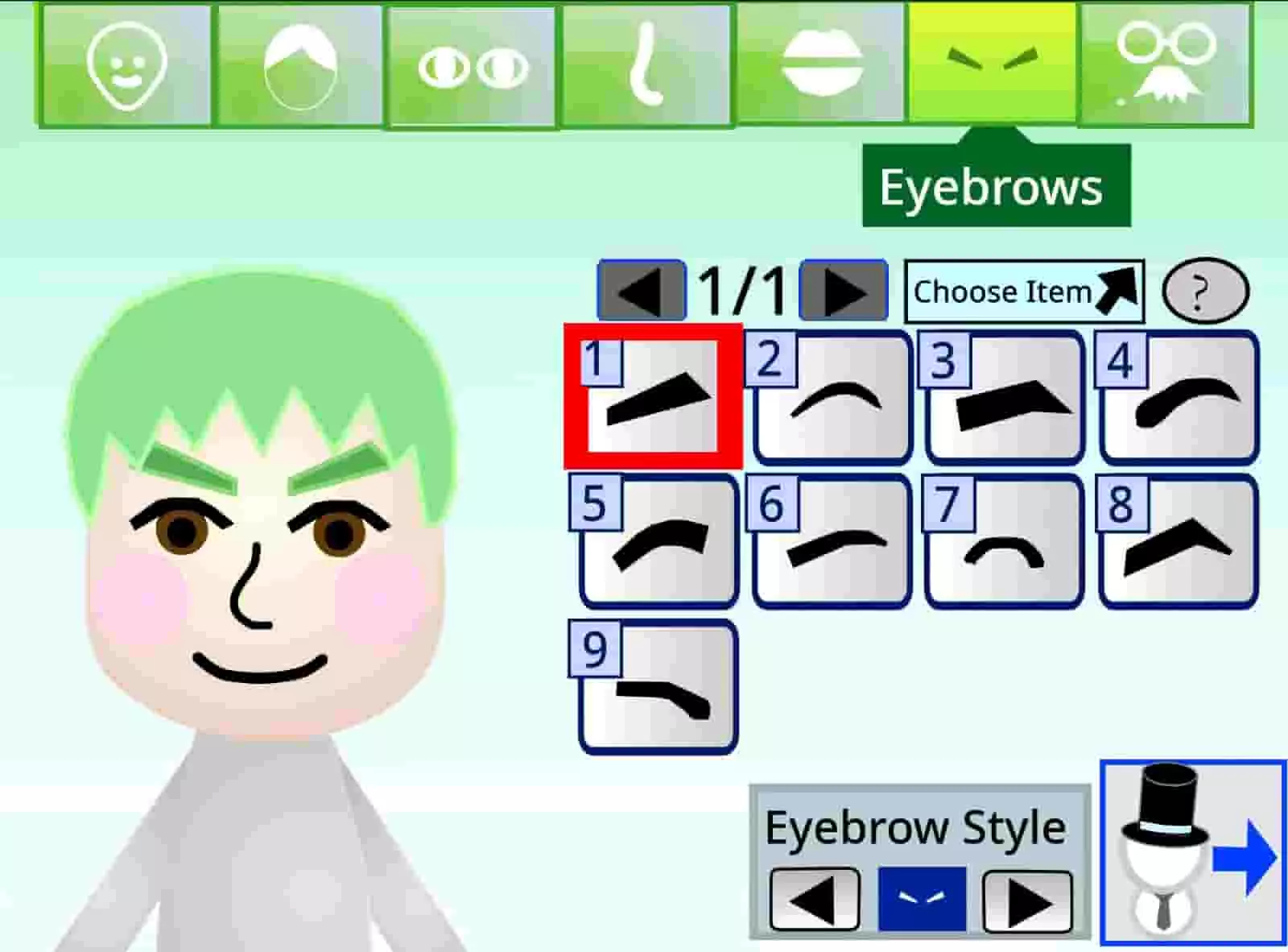
Mii Creator Step 1: Choose a Face Shape
In Mii Creator, pick from round, oval, square, heart-shaped, and more. Choose a skin tone — there's a range of natural shades. This is your character's foundation.
Mii Creator Step 2: Pick the Eyes First
The #1 tip from experienced users: eyes define the whole personality. Big round eyes = friendly. Narrow eyes = serious. Get the eyes right, then match everything else.
Mii Creator Step 3: Set Hair & Features
Browse hairstyles (short, long, curly, spiky), pick a hair color, then adjust the nose and mouth. Each Mii Creator category has dozens of options.
Mii Creator Step 4: Save Your Character
Finish your character with glasses, hats, or other details. Then screenshot your Mii Creator creation! On phone: power + volume down. On desktop: Print Screen.
How to Make Your Mii Actually Look Like You
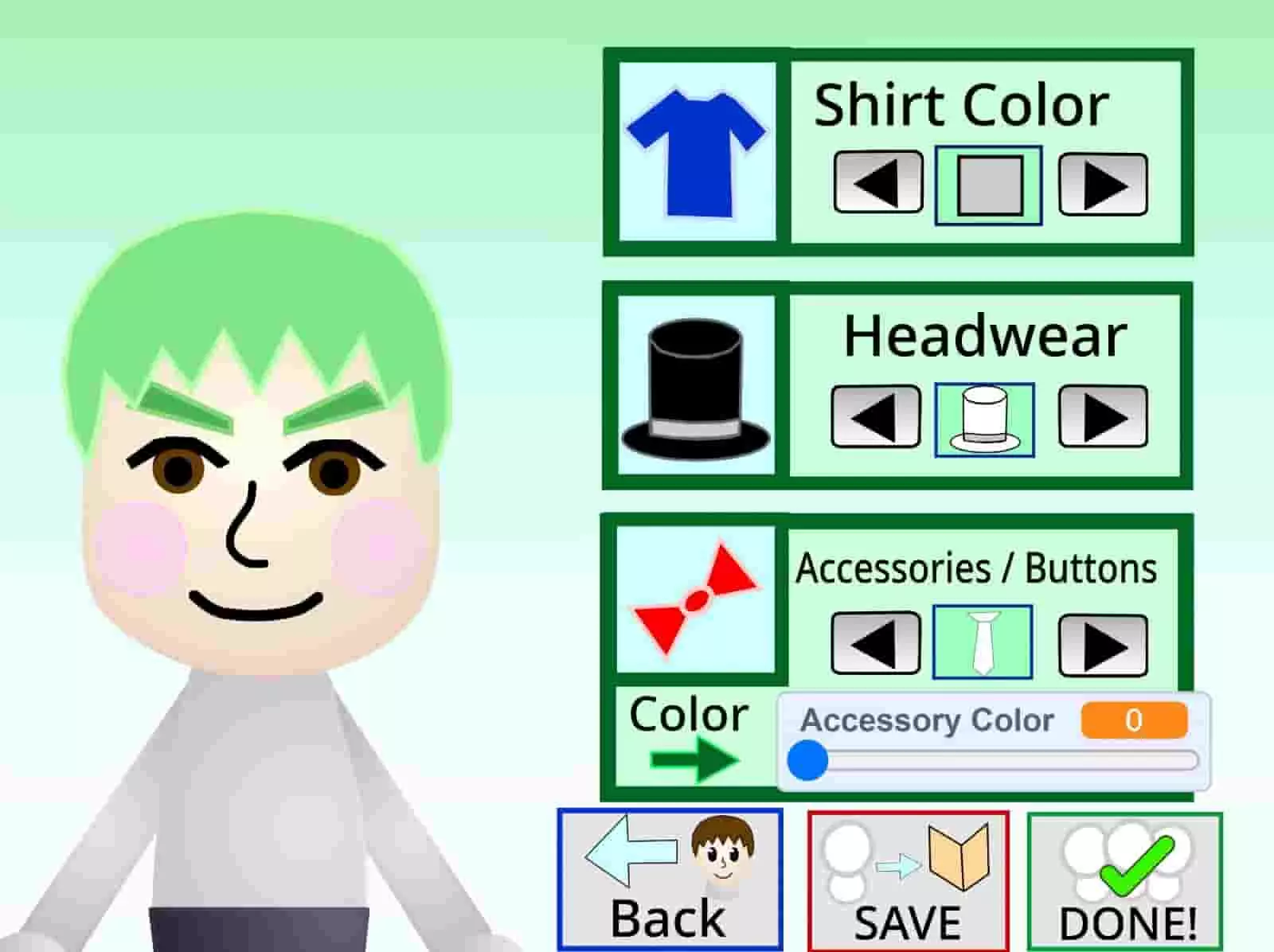
This is the single most common question across every Mii community. On Reddit, there's a thread titled "How do y'all make accurate Miis of yourself???" with hundreds of upvotes. One user said: "I've made my personal Mii maybe 5 times over and it's still not one I'm happy with."
Here's what experienced Mii Creator users on Reddit and YouTube recommend — real tips from people who've spent 60+ hours in Mii editors:
Don't aim for photorealism. A visual artist who spent over 60 hours perfecting Mii techniques shared this key advice: "Don't make them super realistic. A Mii that embraces the Mii art style tends to look better than one attempting realism."Focus on capturing the "vibe" rather than pixel-perfect accuracy.
Pick 2-3 defining features and exaggerate them.Look at yourself in a mirror or a photo, squint so details blur, and notice which shapes stand out. If you have slightly droopy eyes, make them droop more. If your nose is wider, push it wider. The community calls this "matching proportions to the palette."
Start with someone else.Before trying to make yourself, try recreating a friend or a celebrity — someone whose features you can see clearly in a reference photo. This teaches you which features create specific looks. Once you nail someone else's likeness, making your own becomes much easier.
Use accessories with intention.Glasses, hats, and other details are not decoration — they're personality signals. A pair of glasses can make your Mii look thoughtful. A hat adds an adventurous vibe. Pick one or two that match who you are.
Less is more. The highest-rated Miis on Reddit and Pinterest use restraint. Instead of maxing out every option, focus on getting two or three features exactly right. A clean, simple Mii almost always looks better than one loaded with every accessory.
Celebrity & Character Mii Creator Ideas
Making Miis of famous people and fictional characters is one of the most popular activities in the Mii community. Pinterest gets over 113,000 monthly searchesfor "Mii ideas" alone. On YouTube, there are 900+ Mii Creator tutorial videos showing how to create specific characters step by step.
The approach is different for celebrities.When recreating a celebrity or anime character in Mii Creator, start with a clear reference image. The community's best creators recommend:
1. Study the reference, then squint.Blur out the details and look for dominant shapes. What's the face outline? Are the eyes close together or far apart? Is the jaw sharp or round? These shapes are your starting point.
2. Exaggerate the iconic feature.What makes that character instantly recognizable? For Goku, it's the spiky hair. For Mario, it's the round nose and mustache. Get the iconic feature right in Mii Creator and the rest falls into place.
3. Don't forget skin tone.One of the most common complaints on Reddit is that skin tones look different in-game than in the Mii Creator. A veteran tip: "Match the skin to the palette, then slightly shift the tone towards the desired color for cohesive looks."
Popular Mii Creator character categories:Anime characters (Goku, Naruto, Hatsune Miku), video game icons (Mario, Link, Kirby), movie characters, musicians, and — always a hit — "Matt from Wii Sports," the legendary meme Mii that the internet decided is the hardest boss in gaming history.
Mii Creator Pro Tips from the Community
These tips come directly from Mii Creator communities on Reddit (r/MiiTutorials, r/tomodachilife, r/Miitopia) and YouTube tutorials. Real advice from real creators:
Eyes come first, always. Eyes are the most personality-defining feature in Mii Creator. If the eyes feel right, the whole character comes together. Choose eyes before you pick a hairstyle — then match the hair to complement the eye expression.
Don't sleep on proportions.Most beginners just pick parts and move on. Experienced users spend time adjusting the size, position, and rotation of individual features. A slightly bigger nose or eyes placed a millimeter lower can completely transform a character's likeness.
Know your layers.If you're using face paint or advanced Mii Creator features, understanding the layer order is critical. Eyebrows go above all eye layers. Masks go above everything except the nose. Stickers go under everything. Get this wrong and your Mii looks off when it animates.
Avoid choppy lines.If you're drawing custom features, smooth, connected lines look vastly better than jagged ones. The community puts it plainly: "They are highly noticeable and can mess up a Mii."
Check from different angles. A Mii that looks perfect from the front might look strange from the side or when it emotes. Veteran creators regularly check their work from multiple angles before calling it done.
Mii Creator FAQ
Do I need a Nintendo console or account to play Mii Creator online?
No. Mii Creator runs entirely in your web browser — no Switch, Wii, 3DS, or Nintendo Account required. Play Mii Creator online on phones, tablets, and computers. Many people find this easier than Nintendo's official Mii Studio, which requires an account.
Is Mii Creator really free?
Yes, Mii Creator is 100% free. No hidden charges, no premium features, and no in-app purchases. Every customization option is available from the start. Unlike some other online Mii tools that require a Discord server, Mii Creator just works.
Can I play Mii Creator on my phone?
Yes. Mii Creator works on Chrome, Safari, Firefox, and Edge on both Android and iOS. Touch controls are fully supported — just tap to select features. The interface adapts to your screen size.
How do I save my Mii Creator character?
Take a screenshot of your finished Mii Creator character. On iPhone: press side button + volume up. On Android: press power + volume down. On desktop: use Print Screen or your browser's screenshot tool. Then share your Mii on Discord, social media, or save it as your profile picture.
How is this Mii Creator different from Nintendo's Mii Maker?
Nintendo's Mii Maker is built into their consoles. The Switch 2 version (released June 2025) has the same features as the 3DS era — the community called it "Switch 2's biggest missed opportunity." This Mii Creator online gives you similar customization without needing any console.
Why can't I make my Mii look like me?
This is the #1 challenge every Mii Creator user faces — even veterans who've spent 60+ hours still struggle with it. The key: don't aim for photorealism. Pick 2-3 of your most distinctive features and exaggerate them in Mii Creator. Focus on capturing the overall "vibe" rather than exact accuracy.
Can I use my Mii as a profile picture?
Absolutely! Screenshot your Mii Creator character and use it as your avatar on social media, Discord, or anywhere. Mii-style avatars are trending as profile pictures — they're fun, recognizable, and work as an alternative to photos or Bitmoji.
Is Mii Creator safe for kids?
Yes. Mii Creator is a pure creative tool — no violence, no chat, no ads, no purchases. Parents consistently recommend Mii Creator as a safe, engaging activity for children. Suitable for all ages.
Play Mii Creator Online Free
Ready to play Mii Creator online? Scroll up to the game window and start creating. No downloads, no accounts, no waiting — just play Mii Creator and make your character. Whether you're creating yourself, a friend, or your favorite character, Mii Creator is one click away.
Play Mii Creator Now